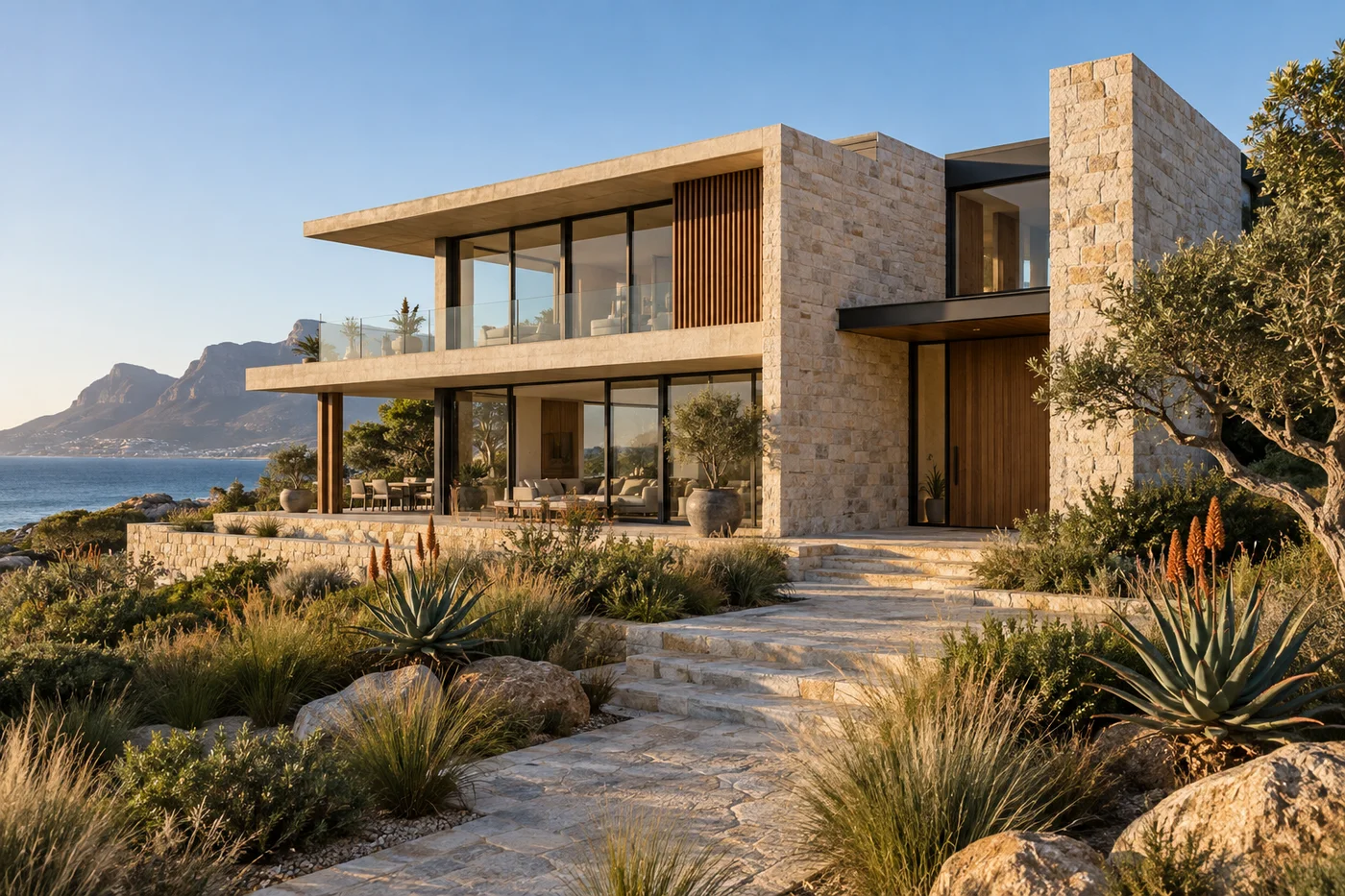
 Fieldwork
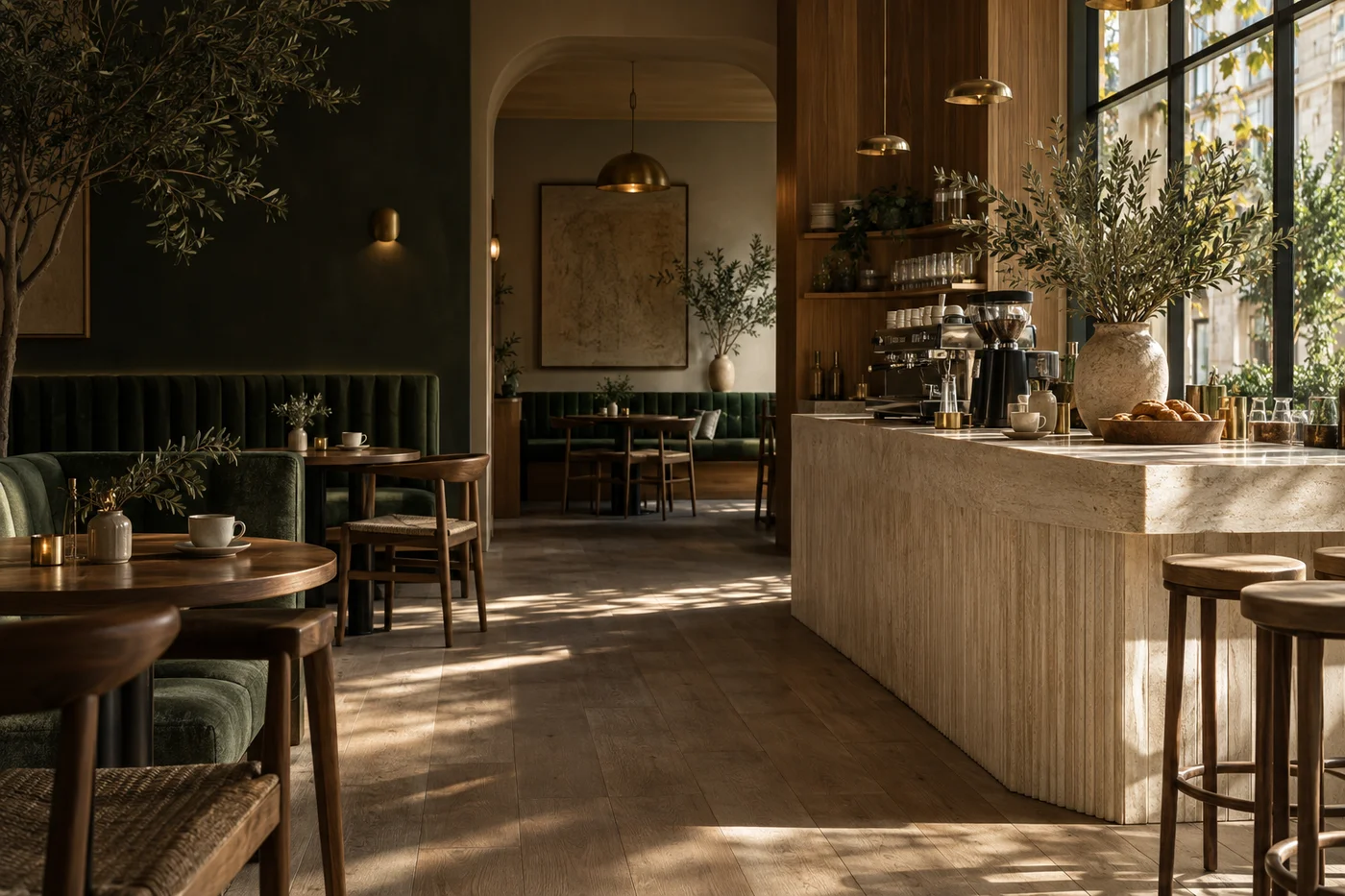 Table House
 Clay Room
Sales dashboard
November salesR30 7746 sample orders · ZAR
CUSTOM WEB & APP STUDIO · WORLDWIDE
We build the website your customers use and the software your team runs behind it.

Step inside three example builds. Each one lets you complete a real task with sample data.
See what sold, then follow a shipment from the driver’s schedule to the customer’s door.
4 cartons · Maya Reed
Explore by business need

Let customers request a time, give staff a shared diary and send confirmation when the booking is accepted.
Discuss this workflowYour project
A booking looks different for a workshop, a salon and a building contractor. We start by asking you to walk us through a real job, from the first enquiry to the final payment.
Example architecture plan
Follow two boxed lamps from a gallery to their buyer. The arrows show what each person hands over. Open any step to see the information their screen needs.
Customer enquiry
Pickup and delivery addresses, parcel count, contact details and the requested time window.
The coordinator links quote Q-104 to the request, adds the price and sends it to the customer.
Accepting records the approved version and time. Dispatch sees only the agreed job.
Approved quote releases the job to dispatch
The driver receives the route, contacts and two expected parcel IDs. The office can see who owns the run.
Two matching scans record the time and move the job to In transit. A missing or unexpected label flags the job for dispatch.
The recipient’s name, signature and delivery time are linked to J-104 as proof of delivery.
Signed delivery releases the job to accounts
Invoice INV-104 carries the agreed charge, payment terms and job reference. The customer receives a copy.
Allocate the amount to INV-104. A partial payment reduces the outstanding balance and leaves the invoice open.
J-104 shows Paid. The office can trace the booking, approval, scans, signature, invoice and receipt from one record.
Sketch your own workflow. Pick one recent job. Draw a box for each person who touched it. Write what they needed, what they decided and what they passed on. Add a branch wherever a job can get stuck. Bring the sketch to our first conversation.
Send a short enquiry below. We’ll email you to arrange a conversation, ask follow-up questions and confirm what success looks like for you.
We map your screens, records, staff permissions and connections. You review the plan, scope, price and timing before the build begins.
We build a working preview and take you through it. Your team tries a typical job and tells us what needs adjusting. We agree review points with you and stay in contact as work progresses.
We check the agreed workflows together, confirm your content and access, and walk your team through the finished system before launch.
Tools, features & pricing
Explore 110 features we can scope for a custom website or app. Open a feature to see how it works and what affects its price. Add the ones you want to discuss.
110 features
A salon with one diary may need a booking form and a staff calendar. A salon with three branches may also need to match treatments to qualified staff, prevent room clashes, collect deposits and sync payments. Each additional rule introduces design, development and testing. That increases the price and can extend the delivery time.
These demos illustrate what’s possible. Demo amounts are shown in South African rand. Your written quote specifies the currency, features and price agreed for your project.
Project enquiries
A few sentences are enough. Who is it for, and what should they be able to do? We’ll follow up by email to talk through the details.